by Makenna M.
Along with its many new machines, the Maker Lab also has a 3D scanner available for use. This scanner is a great way to transform real-world objects into 3D models. Today, I’ll introduce you to the scanner and share some ideas on how to use it in the lab.
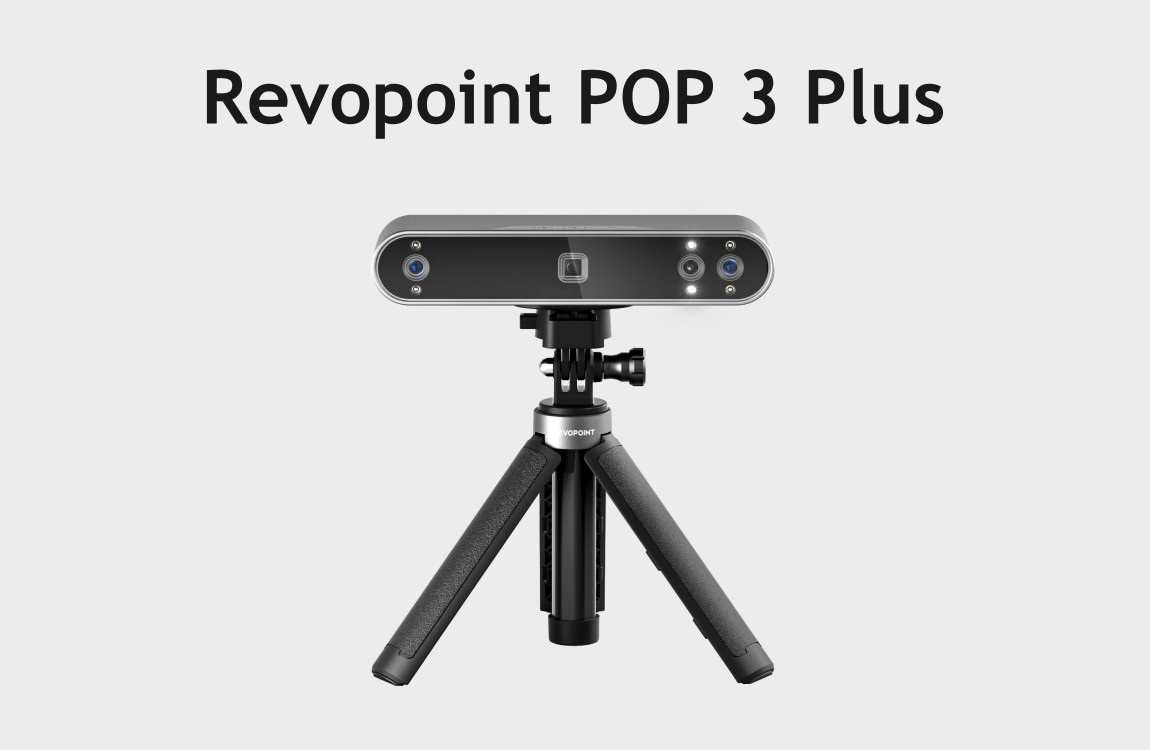
Revopoint Pop 3 Plus
The scanner is a Revopoint Pop 3 Plus 3D Handheld Scanner. This scanner can capture images at up to 18 fps and includes 2x magnification for smaller objects. Its RGB camera allows for full-color 3D scanning. This specific model is best for scanning objects that are between the size of a ping-pong ball and a football. The Pop 3 Plus can scan while on a tripod or while handheld, depending on the size and shape of your object. You can learn more about the scanner’s specifications here.
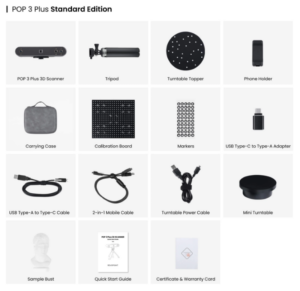
Accessories that come with the scanner.
The Pop 3 Plus comes with additional tools to help you get started scanning, like object markers, a marker mat, and a sample object to scan. The 3D scanner uses the free software, RevoScan 5, to capture and edit scans. This software is available at the Maker Lab.
Check Out/Reserve
You can check out the scanner for use within the Maker Lab. To use the 3D scanner, you can reserve time, or you can walk in. If you would like to reserve scanning time, you can do so through the Maker Lab’s scheduler.
What is 3D scanning? And why 3D scan?
A 3D scanner continuously takes images of an object and analyzes the collected data in order to reproduce the object digitally. This process can be done by placing the object on a turntable or slowly moving the scanner around the object. In the case of the Pop 3 Plus, the scanner must be connected to a device with RevoScan 5 while scanning to transfer the captured data.
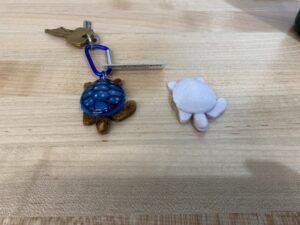
A 3D printed duplicate spool with a modified lid.
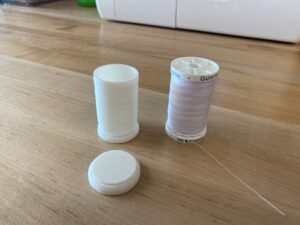
A 3D printed duplicate spool with a modified lid.
There are many reasons to 3D scan an object. As shown in the examples above, it’s a great way to reproduce objects when paired with 3D printing. Many people use 3D scanning to replace or modify machine parts. Once a scan is completed, you can edit the model however you choose with 3D modeling software like Blender or Fusion. Outside of fabrication, 3D scanning also has artistic uses. You can scan objects to make 3D models for sculpture, digital 3D art, or for object implementation into video games.
The Pop 3 Plus Scanner is a great tool for those interested in 3D modeling. In the Maker Lab, you can even create a model from a 3D scan and then print it using our Bambu Lab X1 Carbon 3D printers. If you have any scanning project questions, feel free to stop by the Ignite Maker Lab or give us a call at 317-770-3247 to learn more!